The CYTEC Spindle Selector helps engineers and machine builders find the right motor spindle in seconds – instead of comparing datasheets by hand. Filter the complete CYSPEED motor spindle range by power, torque, speed and tool interface, check a spindle against your specific operating point, and compare up to six candidates side by side. Every result is based on real CYTEC performance data – motor spindles engineered and made in Germany.
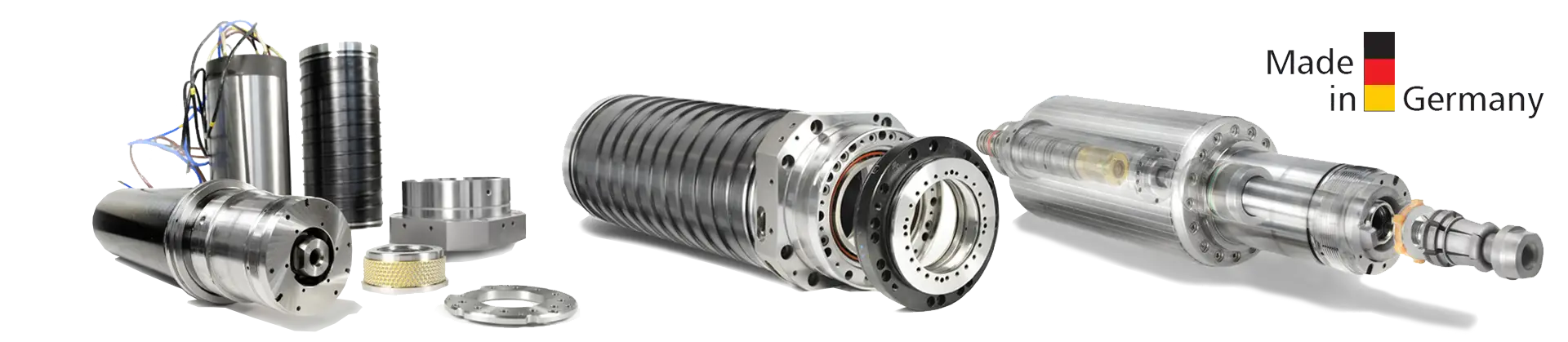
CYSPEED motor spindles by CYTEC are built from a modular kit and cover almost the entire spectrum of milling, drilling and grinding tasks:
Start with the basic filters for minimum power, torque, speed and tool interface. For a concrete machining task, use the peak filters: enter the spindle speed your process requires and the torque it must deliver at that speed – the selector calculates the available torque along each spindle's characteristic curve (full torque up to the base speed nbase, then decreasing with rpm) and shows only spindles that truly meet your operating point. Add candidates to the compare list, review them side by side, and export a PDF datasheet of your favorite including the performance chart.
Use the three sliders to set your minimum requirements for power (S1), torque (S1) and maximum speed, and pick a tool interface if needed. Spindles that do not meet all criteria are greyed out – or hidden completely when “Show only matching tiles” is enabled (it is on by default).
Enable “Select by milling head” and choose a CYMILL head series. The selector then only offers spindles that are mechanically compatible with that head, and a summary card shows the head's key data (C/A axis torque, clamping, swivel range, accuracy).
The peak filter panel checks a spindle against a specific operating point
instead of just its catalogue maximums. First choose the duty cycle with the
S1/S6 toggle: S1 = continuous operation,
S6 = intermittent operation with higher short-term ratings.
n_base = 9550 · P / M).
Use this if you need full torque up to a certain rpm.Use active spindle values copies the data of the currently selected spindle into the peak filters – a quick way to find all spindles that are at least as capable. Reset clears the peak filters. While a peak filter is active, the chart shows only the relevant torque curve; tick “Show all lines” in the chart corner to see everything again.
The chart plots torque (Nm, left axis, black) and power (kW, right axis, blue) over speed – solid lines for S1, dashed for S6. Use the three axis sliders to zoom. Click legend entries to toggle individual curves.
Click the star on a tile (or “Add to compare” on a datasheet card) to collect up to six spindles, then open Compare for a side-by-side table. Export PDF creates a datasheet of the selected spindle including the current chart and, if chosen, the selected milling head.